-
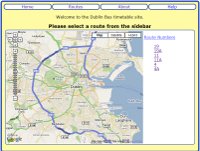
The first page is the home page here you can navigate to the routes, about or help page.
Or more importanlty select a route from the sidebar of the map to find out the stops on that route.
-
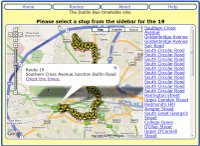
When you select the route you are interested in you are brought to a similar page that diplays the list of stops on that route in the sidebar of the map.
Select the stop you are interested in by clicking on it in the sidebar or by clicking the busstop symbol on the map.
-
After you have selected a stop in order to find out the times click on the check times link in the information box.
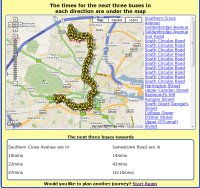
This will show you an additional box under the map which contains the time of arrival of the next three buses at your stop going in both directions.
-
If you are satisfied with the information that has been shown proceed to the bus stop.
If you want to find the times for a different site click on the start again link.
Either way we hope you have enjoyed using our site and will return again soon.